Connect your
To connect a device to your desktop:
Connect the ’ USB cable to your desktop.
The device boots up in about 1 minute. The Power LED constantly glows green, while the other three LEDs flash from top to bottom alternating between green and blue until start. When both Power and Data LEDs constantly glow green, your is connected and ready for next steps.
To connect your scanner to the :
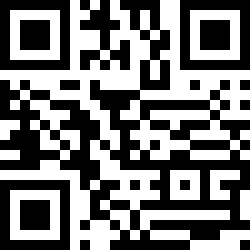
Scan the QR code on your device with your scanner.
The scanner connects to the and is ready for use, while the Scanner LED starts constantly glowing green.
Pairing barcode in Status folder
If your is not visually accessible in order to scan the pairing barcode, you can use the pairing barcode located in the Status Folder of your Mass storage device.
Note
Use the barcode below to disconnect a scanner from its host device: