using
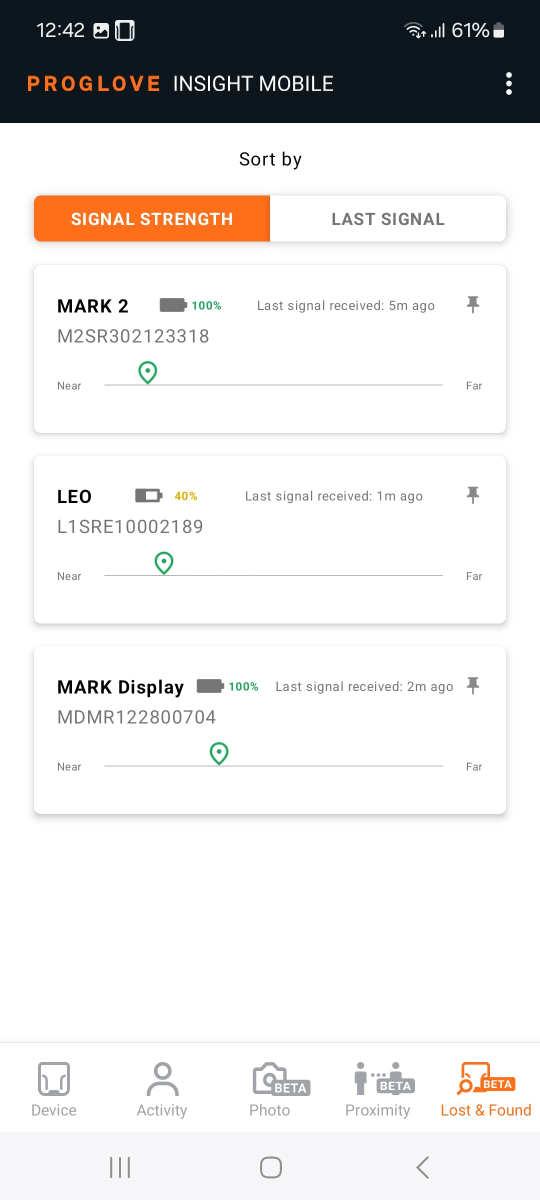
is a new menu option available in the app. It allows you to easily locate inactive and/or misplaced devices that were previously connected to your Android device, based on the signal strength of the signal they are emitting.
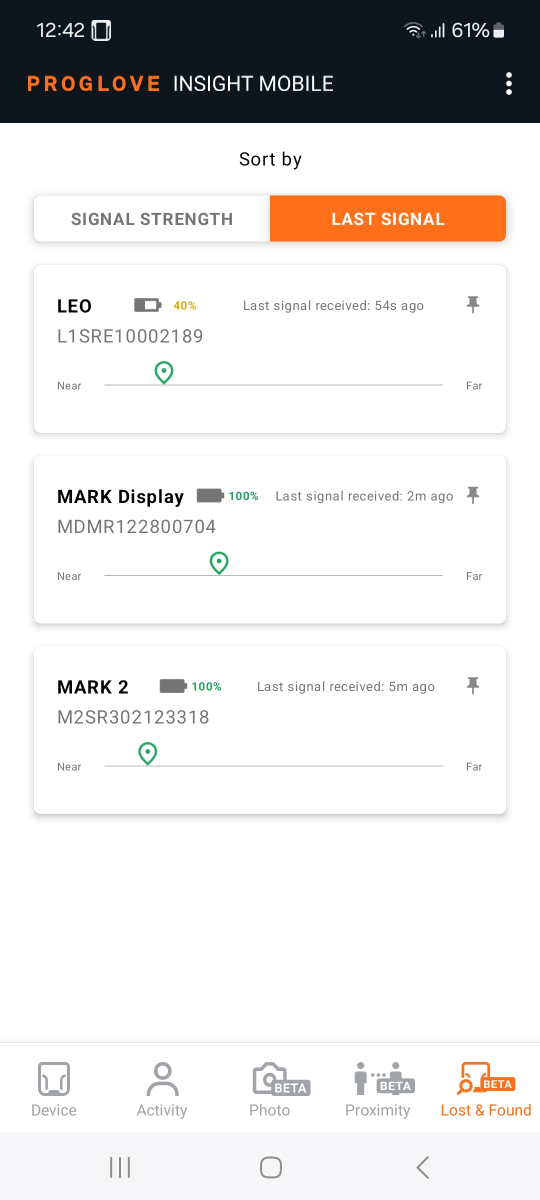
It provides information about the device type, serial number, battery level, but also when the scanner was last connected and whether it seems near or far away, based on the strength of the signal exchanged between the scanner and the Android device.
The information collected and presented within the app is enabled through the solution and requires Scanner Signal settings to be activated using the Android device configuration.
Find the screens in the main menu of your app and toggle between the two available tabs while moving around the shop floor and understand the current location of your inactive scanners.
For more information on the feature and included settings, see here.